StikDebug

JIT enablement for iOS.

Enable JIT directly from your device, then inspect processes, manage pairing files, and track app expiration dates on iPhone or iPad.

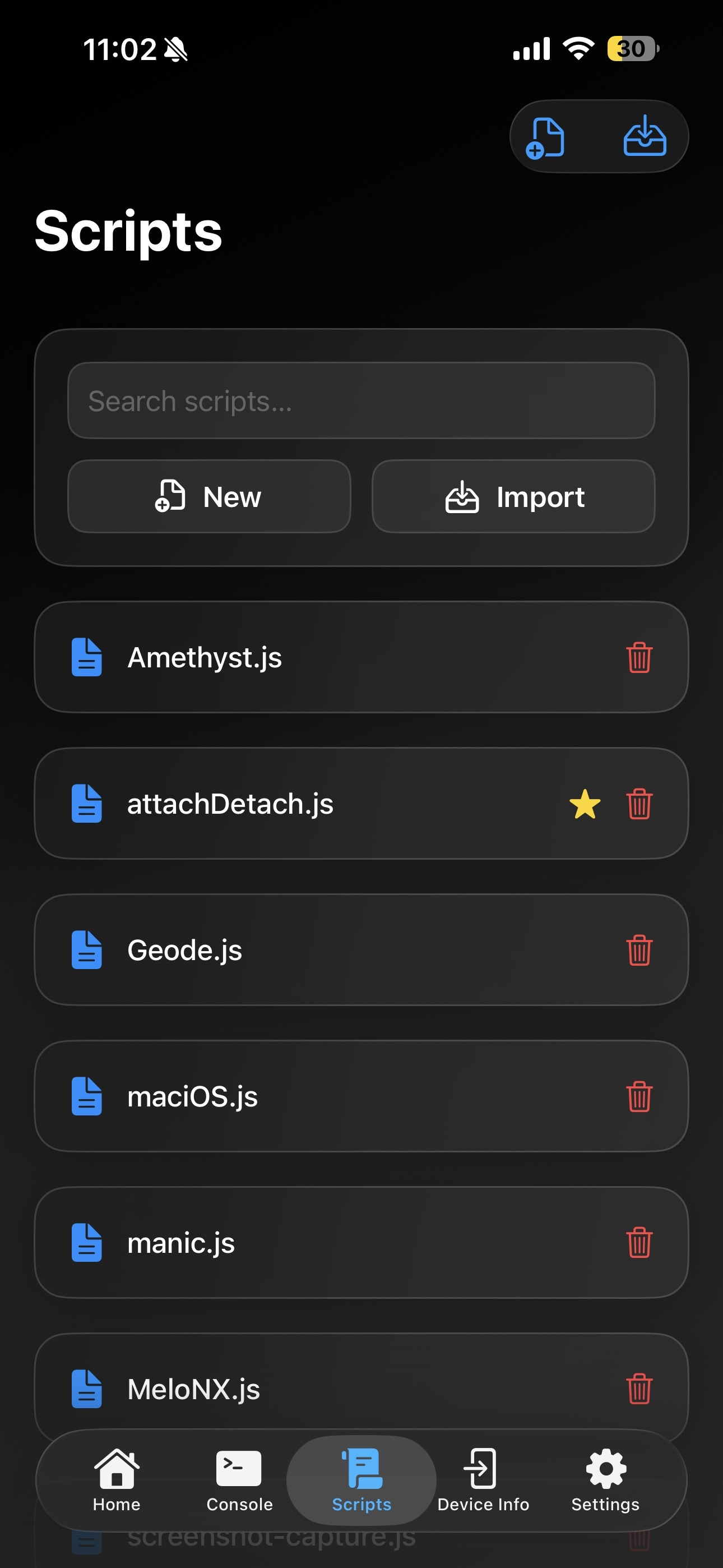
StikDebug scripts screen
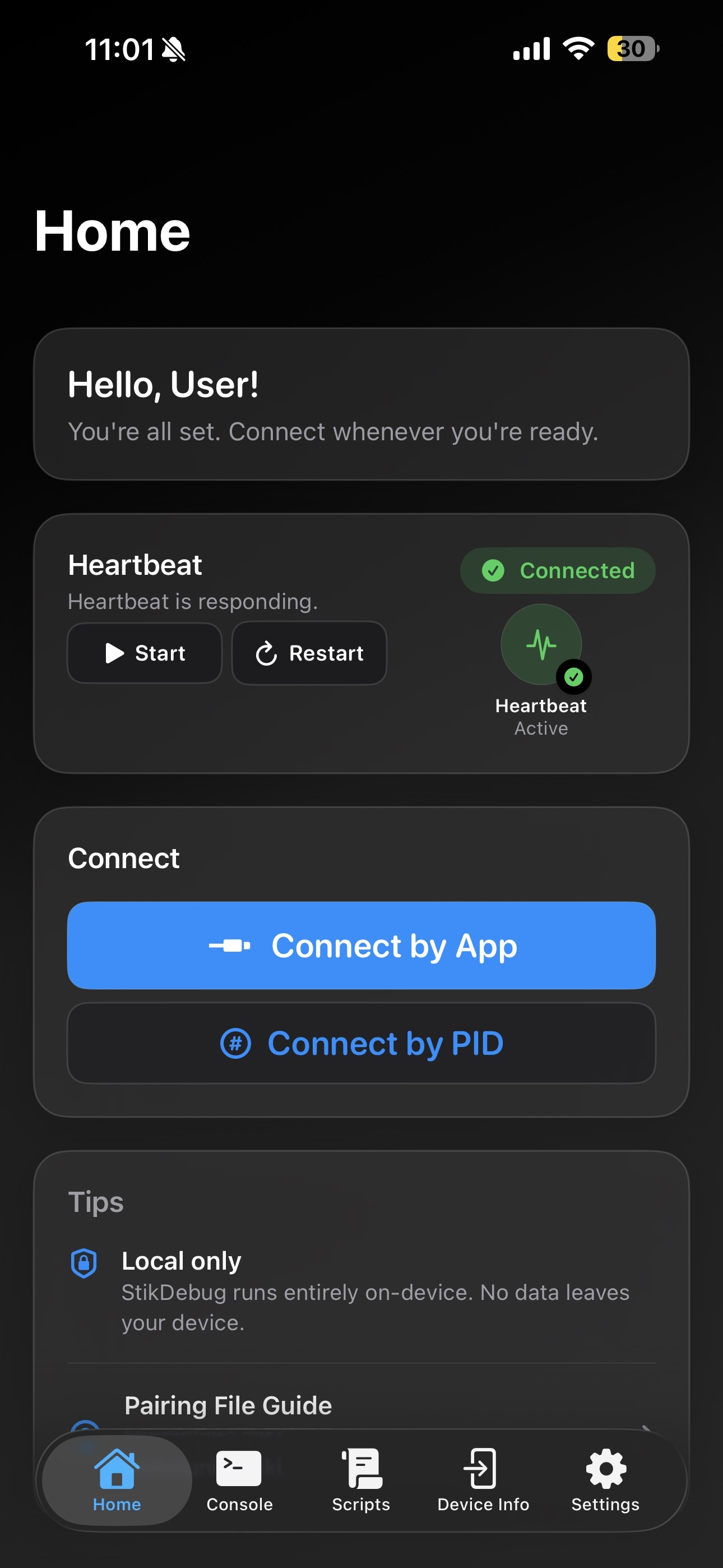
StikDebug home screen
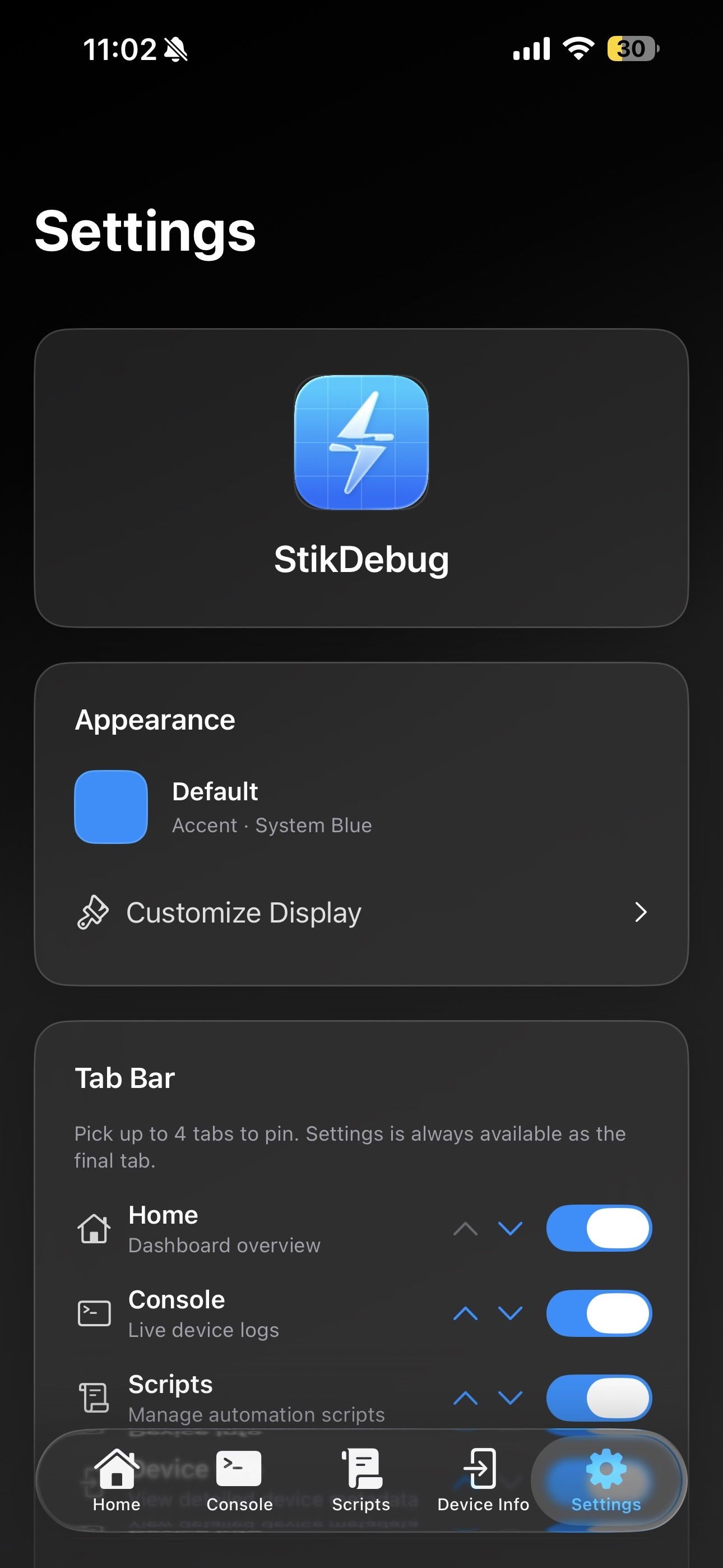
StikDebug settings screen

Developer surface

Everything you need to keep an iOS debug workflow moving.

StikDebug keeps the essential tools close: connection state, console logs, scripts, app expiration dates, processes, and device metadata.

Home

Dashboard overview with quick actions, connection status, and local-only tips right where users start.

Console

Live device logs for watching output, checking runtime behavior, and debugging in real time.

Scripts

Create, import, favorite, and run custom JavaScript for repeatable JIT tasks.

App Expirery

See when installed apps will expire so you can refresh them before they stop launching.

Device Info

Inspect hardware metadata, pairing state, and device details without leaving the app.

Processes

Inspect running apps, check active processes, and stop frozen tasks from the device.

Devices

Connect and configure external devices over the network.

Location

Simulate GPS location directly in StikDebug from the latest build.

Privacy

Local-only by default.

StikDebug keeps your debugging workflow local, so your files and device details stay on your device.

No analytics

No background tracking or usage analytics are collected.

No accounts

StikDebug does not require sign-in or a hosted user profile.

On-device processing

Pairing files, scripts, and app state stay on your device.

Community

Get help and follow updates.

Join the Discord server for support, suggestions, and release updates, or file an issue on GitHub.